Apple’s developer keynote is rarely about one big reveal. The real story is the shift that happens underneath: a new software direction, a tighter platform strategy, and a fresh list of things app teams need to ship before fall. If you’re looking for how to watch Apple’s WWDC 2026 and what to expect, the short version is simple: follow Apple’s official livestream, then pay closer attention to the platform changes than to the headline demos.
WWDC matters because it sets the rules for the next 12 months of the Apple ecosystem. The keynote is public, the sessions are developer-focused, and the biggest clues usually hide in the details—framework updates, design changes, AI features, and what Apple chooses not to talk about. This guide shows you where to watch, how to track the event reliably, and which announcements are most worth your attention.
Quick Take
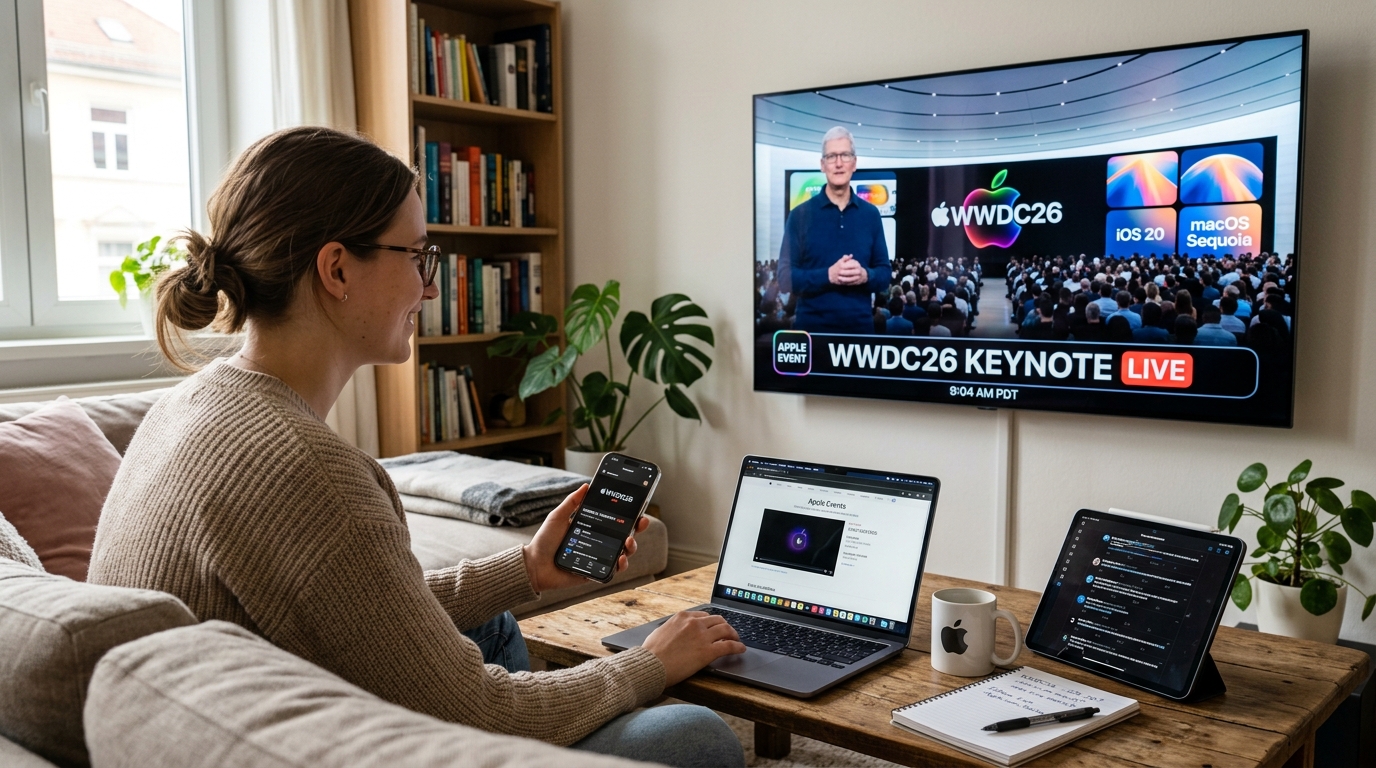
- The safest way to watch WWDC 2026 is through Apple’s official channels: the Apple Events page, the Apple Developer app, and Apple’s YouTube livestream.
- Expect the keynote to focus on iOS, iPadOS, macOS, watchOS, tvOS, and visionOS, with the deepest changes usually reserved for developers later in the week.
- The most useful WWDC coverage comes from release notes, session videos, and SDK details, not just the stage demos.
- If Apple follows its usual pattern, the biggest theme will be platform consistency: new design elements, tighter cross-device behavior, and more on-device intelligence.
- For developers, the real deadline is not keynote day—it is the first beta cycle after the event.
How to Watch Apple’s WWDC 2026 And Follow the Keynote Live
The official way to watch WWDC is through Apple itself. In most years, Apple streams the keynote on its Events page, the Apple Developer app, and the Apple Developer YouTube channel. That setup matters because it gives you the cleanest video feed, the fewest delays, and immediate access to session replays once Apple posts them.
Start with Apple’s event hub at the Apple Events page. For developers, the Apple Developer WWDC page is the most useful bookmark because it usually becomes the central index for sessions, labs, and software release notes. Apple also pushes event coverage through Apple Newsroom, which is where the official announcements land in plain language after the keynote ends.
The Practical Viewing Setup
- Open the Apple Events page a few minutes early so you are not hunting for the stream at the start.
- Use the Apple Developer app if you want session alerts and same-day replays.
- Keep a second tab open for Apple Newsroom, since press releases often clarify what the keynote only hints at.
- If you care about developer changes, pair the livestream with live notes from reputable tech coverage and then verify details against Apple’s own documentation.
The keynote tells you what Apple wants people to notice; the developer sessions tell you what Apple actually changed.
That distinction is not cosmetic. I have seen plenty of launches where the stage demo looked polished, but the real impact lived in SDK behavior, API deprecations, and compatibility notes that landed hours later. If you only watch the keynote, you get the headline. If you read the session catalog and release notes, you understand the product strategy.
What WWDC Usually Reveals Beyond the Stage Demo
WWDC stands for Worldwide Developers Conference, and that is the technical clue people miss. It is not Apple’s hardware show. It is the company’s annual software and platform conference, where it previews the next versions of its operating systems and the tools developers use to build for them. In plain English: this is where Apple explains how your iPhone, iPad, Mac, Apple Watch, Apple TV, and Vision Pro are likely to behave next.
The center of gravity is usually software. Expect updates across iOS, iPadOS, macOS, watchOS, tvOS, and visionOS. Apple often uses WWDC to introduce interface refinements, privacy changes, new frameworks, and quality-of-life features that sound small on stage but affect millions of daily interactions. The event also tends to telegraph how Apple wants developers to build apps for the coming year.
Why Developers Care More Than Consumers Do
A consumer may remember one flashy feature. A developer watches for the rules. New APIs, modified permissions, machine learning tooling, and visual design shifts can change app roadmaps in one week. That is why WWDC has a different kind of weight: it is not just a product showcase, it is a platform reset.
WWDC is less about a single product launch and more about the operating assumptions Apple wants the next generation of apps to follow.
One useful way to think about it: Apple does not usually use WWDC to surprise the market with hardware. It uses the event to define the software environment that hardware must live in. That is why the keynote often feels broad, but the sessions feel precise.
The Announcements Most Likely to Matter in 2026
No one outside Apple knows the exact agenda yet, and that uncertainty matters. A lot of pre-event speculation gets treated like fact, but WWDC rumors often overreach. The safest forecast is to look at the pattern Apple has followed for years: platform-wide updates, a stronger visual language, and a deeper push into AI-powered features that run on-device when possible.
For WWDC 2026, the most likely buckets are familiar. Apple will probably show next-generation versions of iOS and macOS, with smaller but meaningful changes to iPadOS and watchOS. If the company continues expanding its spatial computing platform, visionOS will remain a key part of the story. There is also a strong chance that Apple will frame new intelligence features as privacy-first rather than cloud-first, because that is the language it has used to separate its approach from competitors.
Likely Area Why It Matters What to Watch For iOS Sets the tone for the iPhone experience UI changes, AI features, notification behavior, app permissions macOS Affects productivity and ecosystem continuity Windowing, continuity, system apps, cross-device workflows visionOS Signals Apple’s long-term spatial strategy Interface refinement, app support, multitasking improvements Apple Intelligence Defines how Apple frames on-device AI Writing tools, image generation, context awareness, privacy guardrails
That said, there is a limit to any prediction. WWDC sometimes shifts course if Apple wants to emphasize developer tooling over consumer features, or if a feature is not ready for broad public testing. The event is easier to forecast in themes than in exact demos.
A Small but Realistic Example
Imagine a developer building a travel app. A subtle WWDC change to location permissions, widgets, or background refresh can matter more than a headline feature on stage. That is the part outsiders miss. The keynote may sound like marketing; the beta release notes often decide what gets redesigned next month.
How to Read Apple’s Platform Strategy Without Getting Lost in Hype
Apple is very good at making one feature feel bigger than it is. The trick is to separate signal from stagecraft. A polished demo may show an app doing something impressive, but the better question is whether Apple is exposing a new framework, changing a default behavior, or just improving the presentation layer. Those are not the same thing.
When you watch the event, listen for three things: consistency across devices, friction removed from daily tasks, and how Apple talks about privacy. Those themes usually tell you more than the keynote visuals do. If a feature appears on iPhone, iPad, Mac, and Vision Pro with nearly identical language, that is a sign Apple is standardizing a capability across the platform. If Apple only shows a feature once, it may be more limited than it looks.
Three Signals That Usually Matter Most
- Framework changes: New developer tools often outlive the flashy consumer demo.
- Default behavior changes: These can affect millions of users without much explanation on stage.
- Cross-platform consistency: When Apple unifies behavior across devices, it is telling developers where the ecosystem is heading.
For independent verification, the most dependable post-keynote references are Apple’s own materials and reputable technical coverage. If you want the primary source, use the official developer site and release notes. If you want context, compare Apple’s statements with reporting from outlets that have a track record of covering WWDC accurately. In other words, let the event define the baseline, then test every claim against documentation.
What Developers Should Do Before the First Beta Drops
The practical work starts before the keynote ends. If you build apps for Apple platforms, you should already know which parts of your stack are most vulnerable to platform changes. That includes deprecated APIs, test devices, accessibility flows, notification handling, and any feature that depends on system-level permissions.
After WWDC, the first beta is not a toy. It is a planning document. Teams that wait too long usually lose the first week of learning, and that week matters because it tells you whether your app needs a quick compatibility patch or a deeper architectural change. The best teams I have seen treat WWDC week like a triage sprint: watch the keynote, read the session list, scan the release notes, then assign owners to the riskiest areas immediately.
A Fast Preparation Checklist
- Audit any API calls that Apple has flagged as deprecated in the current cycle.
- List features that depend on notifications, location, background tasks, or widgets.
- Review accessibility behavior before the new OS betas arrive.
- Assign one person to monitor session videos and another to track release notes.
Apple’s developer documentation is where those details eventually become concrete. That is the source that matters when a demo and a beta do not match. It happens more often than people expect.
Why WWDC Still Shapes the Apple Ecosystem After the Keynote
The event ends in a few hours, but the consequences last all year. WWDC sets expectations for app makers, accessory vendors, journalists, and users who want to know what their devices will feel like in the next release cycle. It also shapes the conversation around Apple’s priorities: is the company pushing design, AI, privacy, productivity, gaming, or spatial computing?
That is why the smartest way to watch Apple’s WWDC 2026 and what to expect is not to chase rumors. It is to read the event as a strategy document. Apple’s strongest announcements usually do two things at once: they improve the consumer experience now and create a new development path for the next 12 months. When those two line up, the event matters. When they do not, the keynote feels louder than the actual change.
The most important WWDC announcements are the ones that quietly change what developers can ship by the end of the year.
If you want to get real value from the event, use the keynote as the opening scene, not the final answer. Watch the stream, skim the session catalog, and then compare Apple’s promises with the first beta behavior. That is the difference between following a launch and understanding a platform.
FAQs
When Will Apple Announce the Exact WWDC 2026 Schedule?
Apple typically publishes the WWDC schedule close to the event date, with the keynote time and session details appearing on the official developer pages first. If you want the earliest reliable update, check the Apple Developer WWDC page and the Apple Events page rather than relying on social posts or rumors. Those official pages are the safest source for timing, session access, and replay availability.
Is the WWDC Keynote Enough If I Only Care About New IPhone Features?
The keynote is enough for a high-level view, but it is not enough if you want to understand how those features will behave in real use. Apple often shows the consumer-facing version first and explains the technical limits later in sessions or documentation. If you care about what will actually ship, read the release notes and session summaries after the keynote ends.
Will Apple Reveal New Hardware at WWDC 2026?
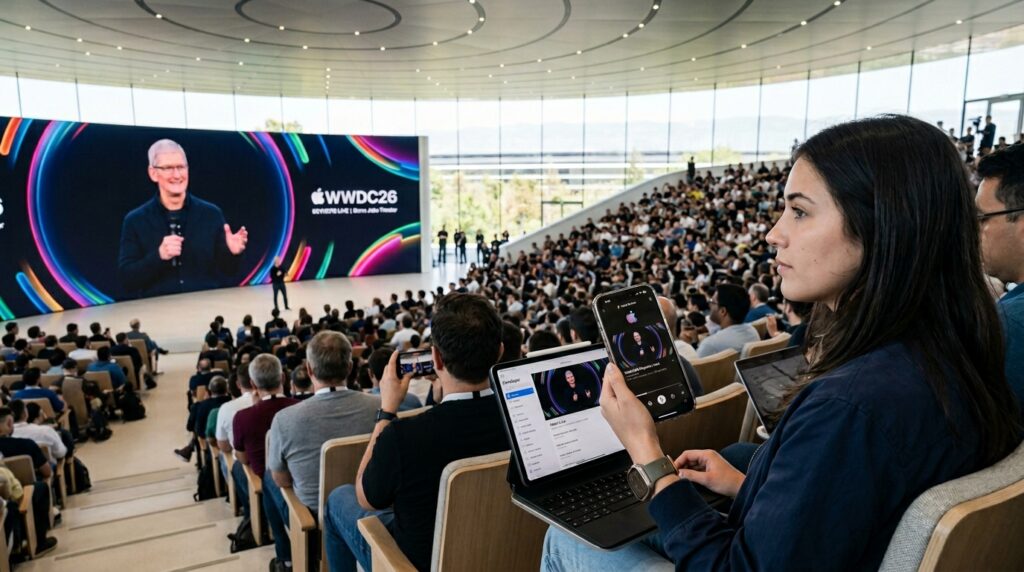
It is possible, but hardware is not the main point of WWDC. The event is designed around software, developer tools, and platform direction, so major device launches are less common than at Apple’s fall events. If Apple does introduce hardware, treat it as a bonus rather than the core of the presentation.
What is the Difference Between the Keynote and the Developer Sessions?
The keynote is the public-facing presentation, built to explain Apple’s biggest themes and headline announcements. The sessions go deeper and are aimed at developers who need implementation details, API behavior, and design guidance. In practice, the sessions are where the most useful technical information appears.
How Should Teams Prepare Once WWDC 2026 Starts?
Teams should review the keynote, scan the first set of session videos, and identify any APIs or system behaviors that could affect their apps. The first beta cycle is the moment to triage risks, not weeks later. The fastest teams usually separate consumer feature interest from engineering impact and assign both tracks on the same day.
Editorial Notice
This content was structured with the assistance of Artificial Intelligence and subjected to rigorous curation, fact-checking, and final review by Editor-in-Chief Nivailton Santos. TechTool Judge reaffirms its unyielding commitment to journalistic ethics, ensuring that editorial judgment and data validation remain entirely under human responsibility and final editorial oversight.